
 Today's DAR
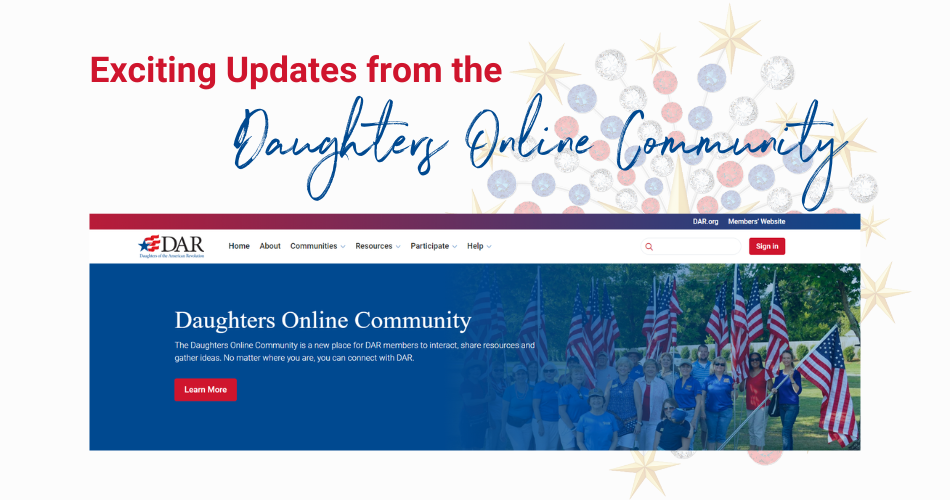
Over the past three months, almost 10,000 Daughters have logged in to explore the Daughters Online Community (DOC), a private platform where we can share ideas and strengthen our ties of service and friendship. The community continues to evolve based on excellent insights from users. I am excited to share a few updates with you. If you haven’t logged in to the DOC yet, I hope this will inspire you to join the conversation, post your photos and connect with new friends!
New Communities
We launched in late February with more than 40 communities tied to national committees, but the number of communities on the DOC continues to grow:
Interest Groups, or Affinity Groups, allow Daughters to connect around a specific interest that isn’t tied to a national committee. The first to launch was the Adoption Interest Group, which is hosted by Public Relations & Media National Vice Chair Bonnie Matthews. This is a community for any Daughter with adoption in her life story or who has an interest in adoption. Our goal is to bring together people from all sides of adoption, including adoptees, adoptive parents, and birth parents, to share the experiences of adoptive families and educate our fellow Daughters on these experiences. The DAR Book Club Community is also located here, and additional Interest Groups will be launching in the coming weeks, including a special community where you will be able to share the stories behind your family and DAR heirlooms.
Chapter Officer Communities are the ideal place to find support in your volunteer role or learn about a role you may be considering. These communities are hosted by executive officers, which gives us the opportunity to truly “ask the experts”! Please check out our new communities for Chapter Regents, Vice Regents and Past Regents; Chapter Chaplains; Chapter Registrars; Chapter Treasurers; and Chapter Historians. Of interest to many Daughters will be The Parliamentarians' Place hosted by National Parliamentarian Beverly Przybylski, PRP.
Expanded Profile Options
It has been so much fun to see community users make their profiles sparkle! As the volunteers managing the DOC have become more advanced users, we have made a few adjustments to the profiles to improve our overall experience:
- You can now list your Patriots on your profile!
- The profile boxes for Associate memberships and Units Overseas Associate Memberships are now separate. This allows you to more easily find fellow members in Units Overseas chapters using the networks feature.
- The DAR Leadership Training and new Genealogy Education Training profile fields now use checkboxes rather than free text entry to facilitate the creation of networks.
- We have added fields where you may list state-level clubs and associations, as well as non-DAR volunteer activities.
- We have received many questions about how to reach 100% profile completion. The basics are this: Make sure your profile includes a bio/summary, why you joined DAR, your favorite insignia, your DAR interests, and your volunteer skills. And you need to upload a profile picture! Including social media links is not required for 100% profile completion.
Tutorials and Support
The DOC Tutorials section contains step-by-step instructions for signing in, adding your profile photo, changing your discussion signature, including photos in discussion posts, and more, including—most importantly—how to manage your email settings! The volunteer DOC support team is continuing to develop tutorials as we notice trends in user questions.
Suffice it to say, there is a lot of activity in the Daughters Online Community! Please log in today!
First time signing in to the Daughters Online Community? Visit community.dar.org to get started. (You will also find a Community link at the far right of the National Members’ Website menu.) How you sign in the first time will depend on whether you have e-Membership access. If you do, use those credentials. If you don’t, follow the on-screen instructions to set up your password. Remember—your password reset email will be sent to the email address you have on file in e-Membership, so be sure to look there for the link. If you have questions, please check the DOC FAQs, or contact the volunteer DOC support team using our contact form.
